穀歌SEO之多區域語言網站的優化方法

|

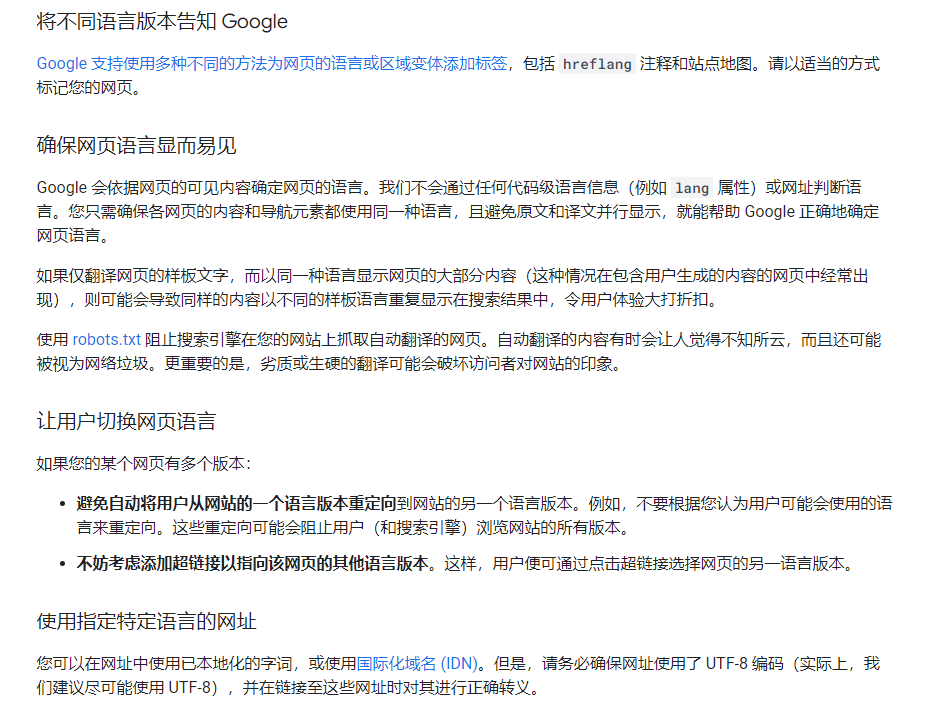
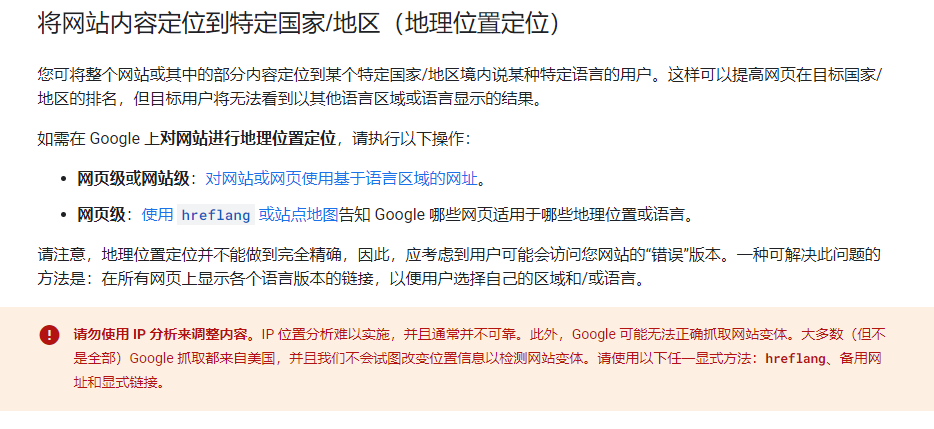
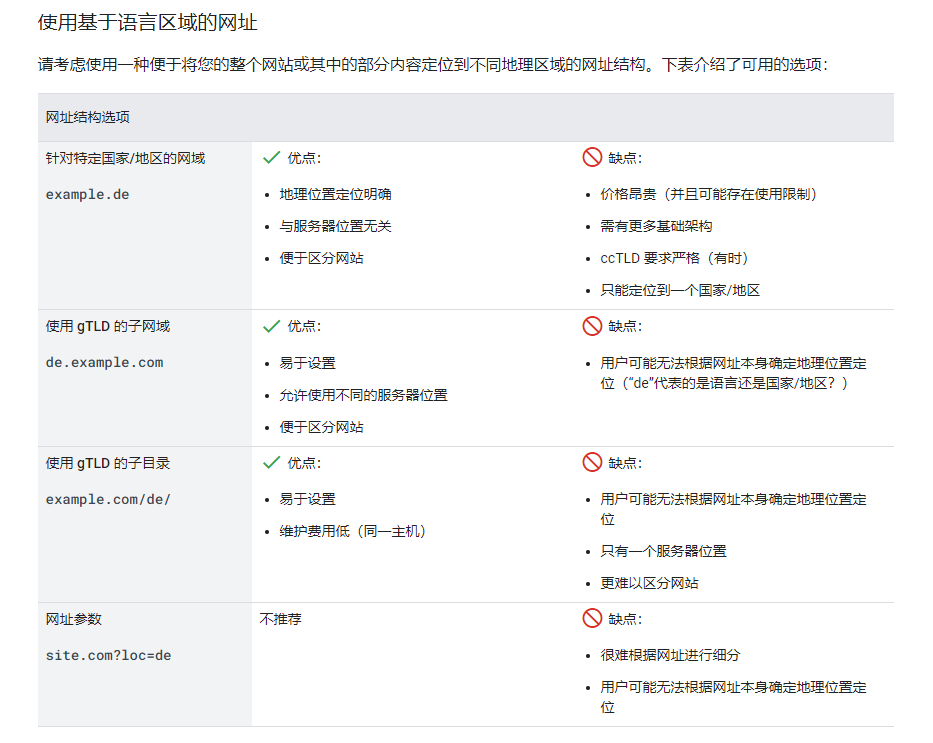
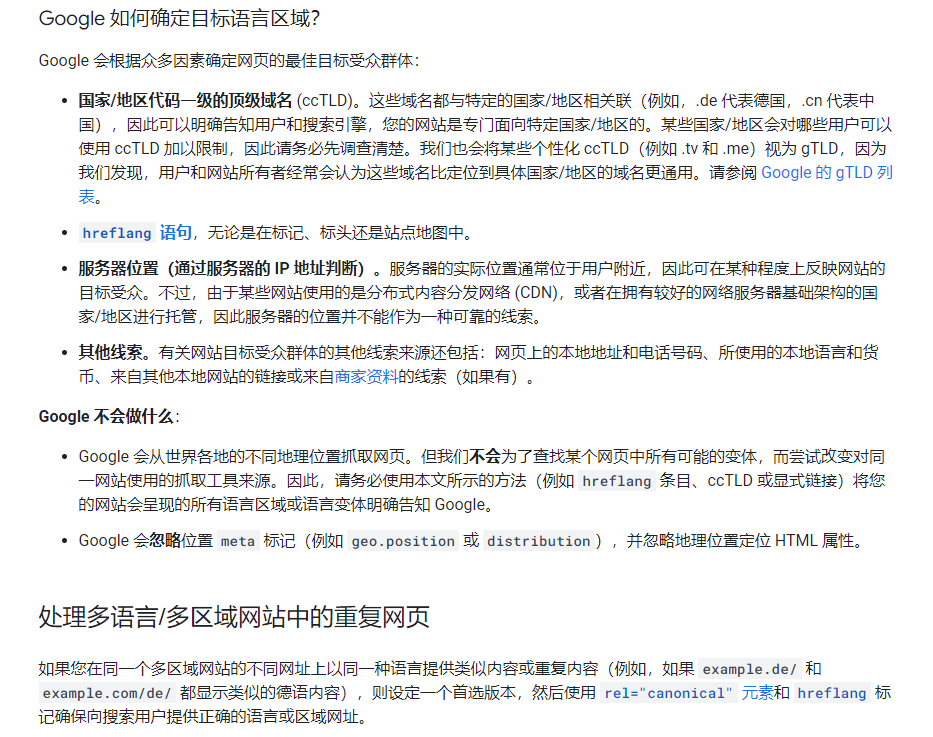
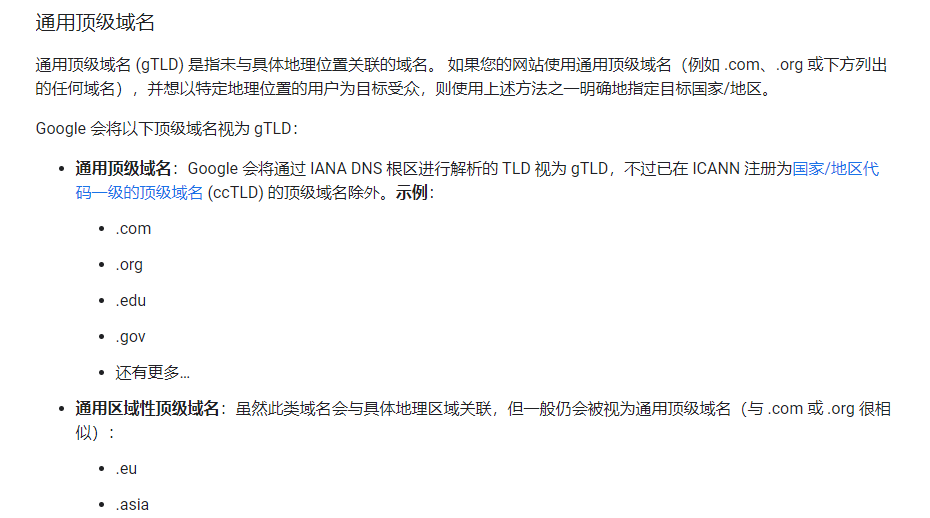
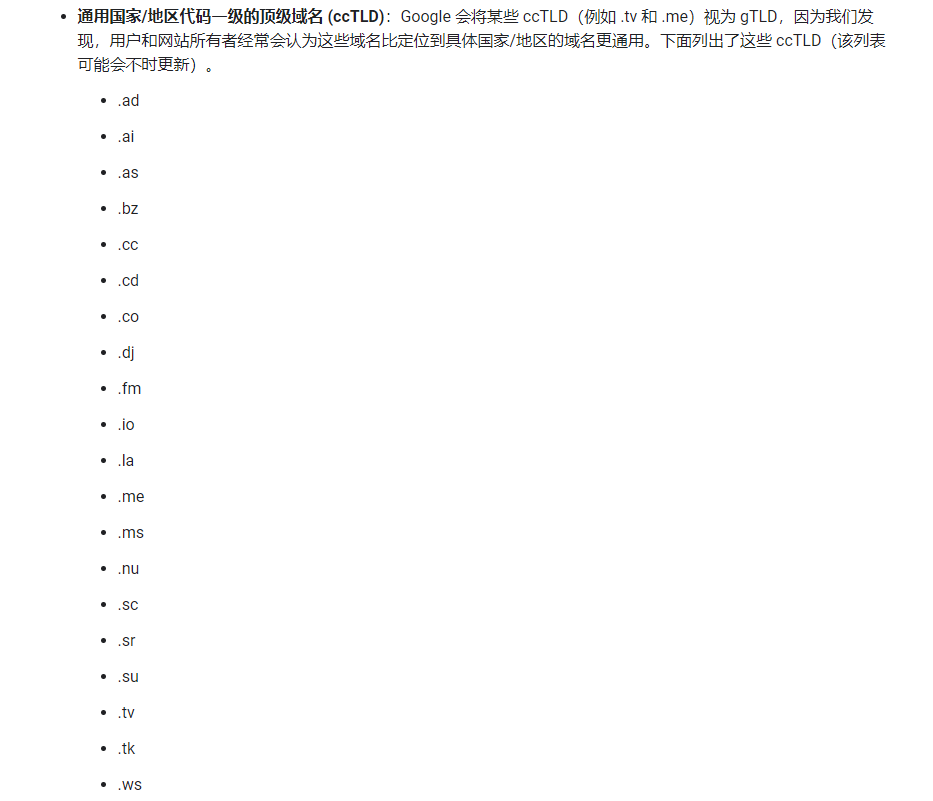
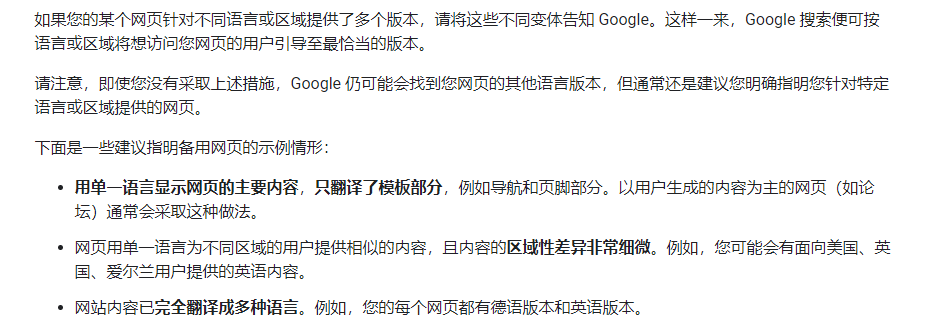
大家都知道,如果是google搜索SEO做外貿獨立站是很有可能需要針對全球不同地區進行指定性的優化,目的就是精準的讓對應地區的用戶能夠搜索到,這是很重要的環節。
1719797511686.jpg

1719797545795.jpg

1719797591968.jpg

1719797625342.jpg

1719797654649.jpg

1719797694690.jpg

1719797718157.jpg

網站設置多地區語言的文檔說明:

1719797820793.jpg

1719797917745.jpg

1719797947576.jpg

1719797980093.jpg

1719798018451.jpg

1719798054583.jpg

1719798098692.jpg

1719798131680.jpg

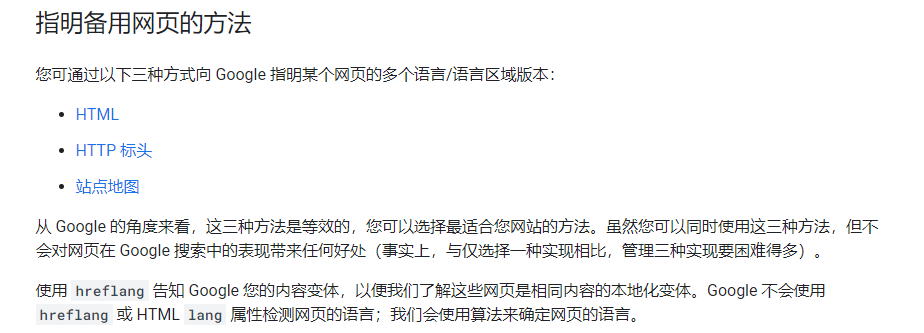
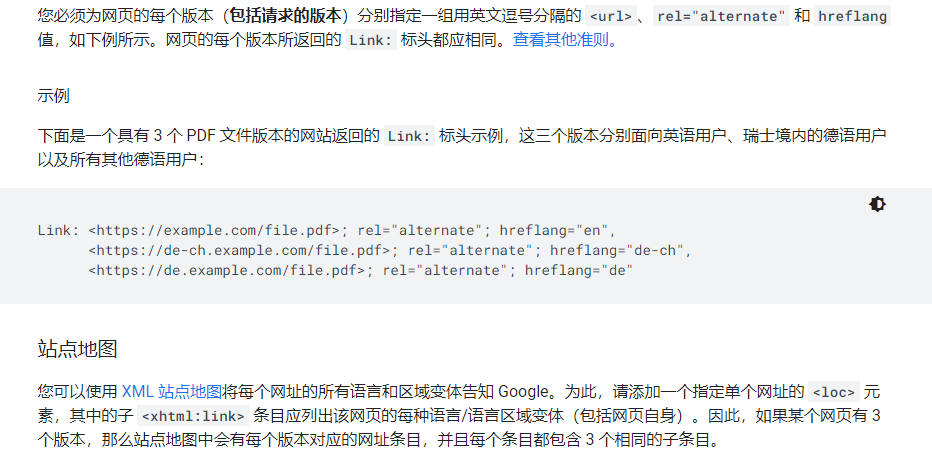
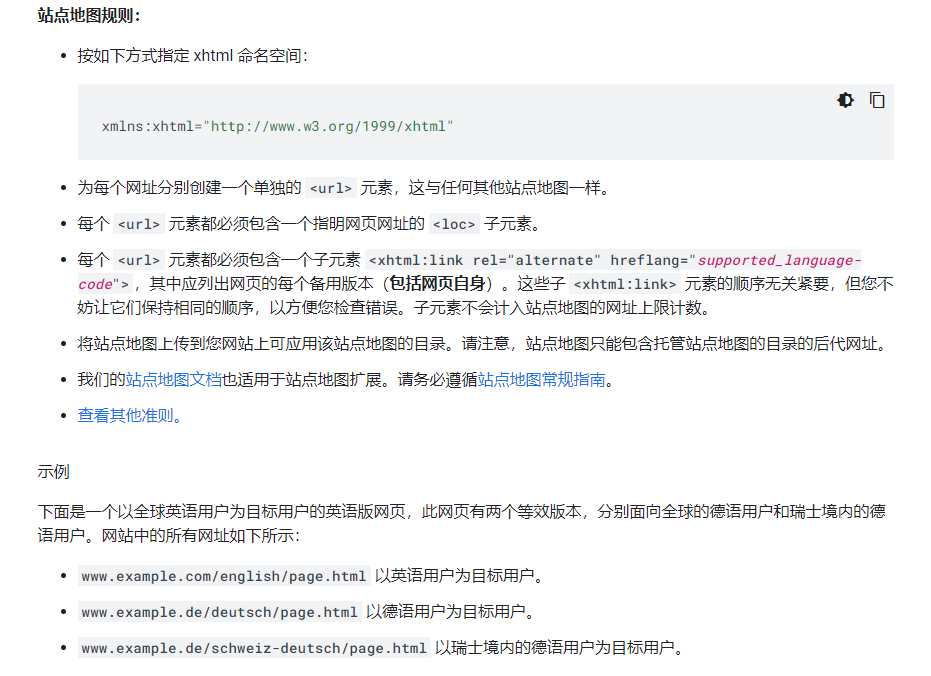
以下是這3個網頁的站點地圖:

<?xml version="1.0" encoding="UTF-8"?>
<urlset xmlns="http://www.sitemaps.org/schemas/sitemap/0.9"
  xmlns:xhtml="http://www.w3.org/1999/xhtml">
  <url>
    <loc>https://www.example.com/english/page.html</loc>
    <xhtml:link
               rel="alternate"
               hreflang="de"
               href="https://www.example.de/deutsch/page.html"/>
    <xhtml:link
               rel="alternate"
               hreflang="de-ch"
               href="https://www.example.de/schweiz-deutsch/page.html"/>
    <xhtml:link
               rel="alternate"
               hreflang="en"
               href="https://www.example.com/english/page.html"/>
  </url>
  <url>
    <loc>https://www.example.de/deutsch/page.html</loc>
    <xhtml:link
               rel="alternate"
               hreflang="de"
               href="https://www.example.de/deutsch/page.html"/>
    <xhtml:link
               rel="alternate"
               hreflang="de-ch"
               href="https://www.example.de/schweiz-deutsch/page.html"/>
    <xhtml:link
               rel="alternate"
               hreflang="en"
               href="https://www.example.com/english/page.html"/>
  </url>
  <url>
    <loc>https://www.example.de/schweiz-deutsch/page.html</loc>
    <xhtml:link
               rel="alternate"
               hreflang="de"
               href="https://www.example.de/deutsch/page.html"/>
    <xhtml:link
               rel="alternate"
               hreflang="de-ch"
               href="https://www.example.de/schweiz-deutsch/page.html"/>
    <xhtml:link
               rel="alternate"
               hreflang="en"
               href="https://www.example.com/english/page.html"/>
  </url>
</urlset>

1719798212595.jpg

針對不匹配的語言使用x-default值

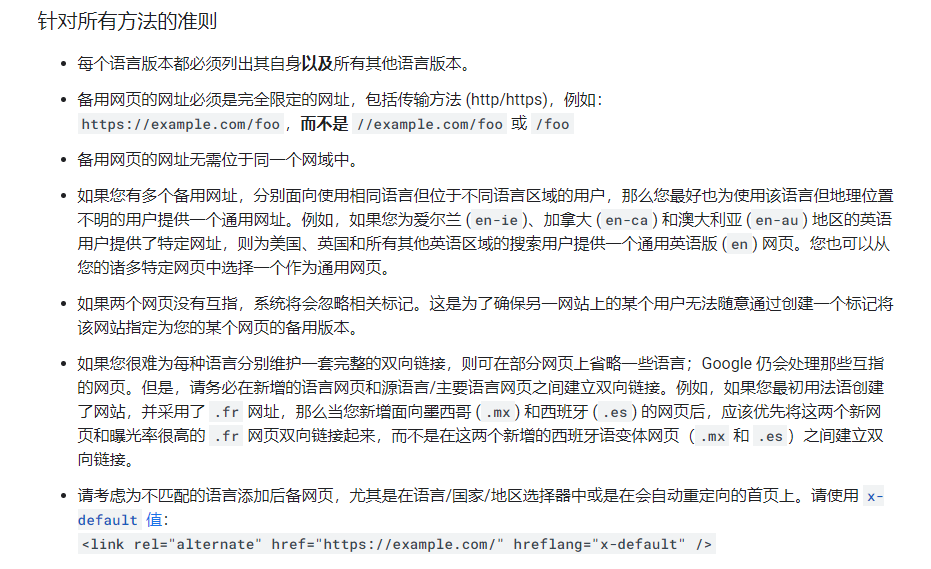
當任何其他語言/區域都與用戶的瀏覽器設置不匹配時,系統會使用保留值 x-default。如果用戶的語言設置與您網站的任何本地化版本均不匹配,那麼建議您使用此值來指定後備頁面。雖然 x-default 值可以用於任何網頁,但它是專為語言選擇器網頁設計的,因此最適合這些網頁。

無需為 x-default 值指定語言代碼;相應網頁針對的是其瀏覽器設置的語言與您網站使用的語言不匹配的用戶,因此網頁所用的語言無關緊要。

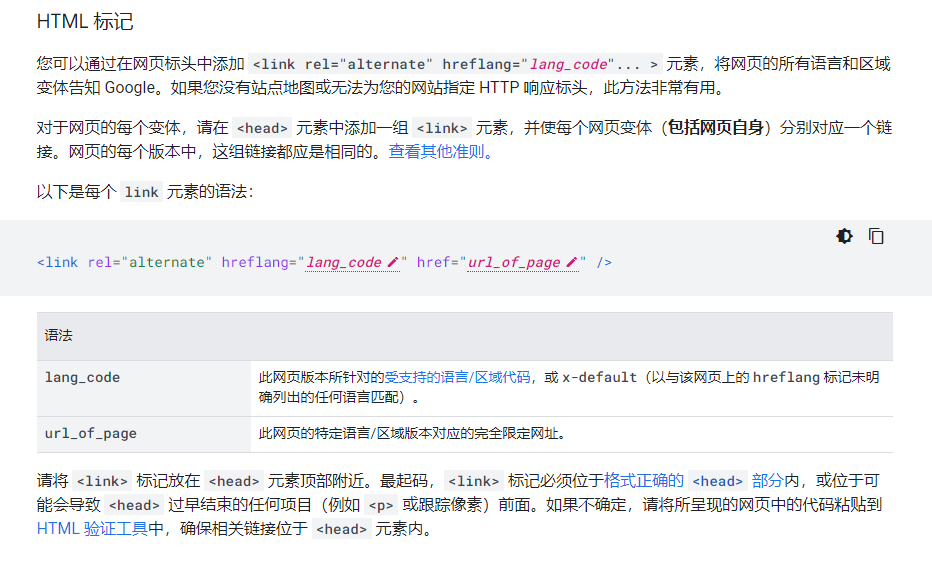
如需實現 hreflang="x-default" 註解,請再向現有的 hreflang 註解添加一個 link 標記,並將 href 屬性設置為您希望用戶到達的網址(如果您的網站不支持用戶的語言)。例如,HTML 實現可能如下所示:

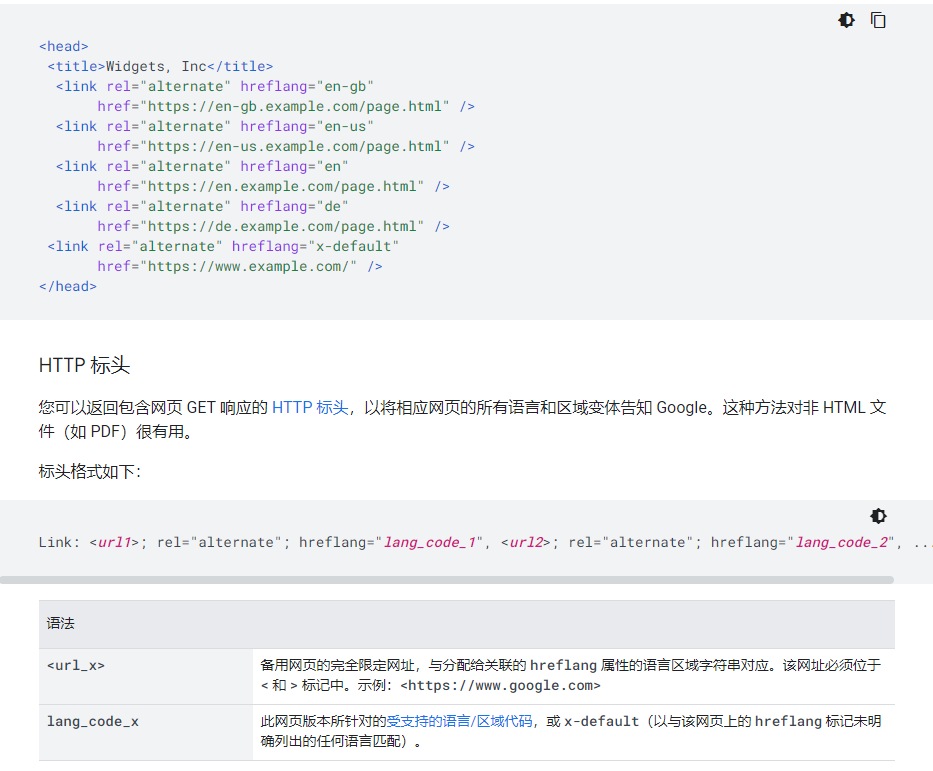
<link rel="alternate" href="https://example.com/en-gb" hreflang="en-gb" />
<link rel="alternate" href="https://example.com/en-us" hreflang="en-us" />
<link rel="alternate" href="https://example.com/en-au" hreflang="en-au" />
<link rel="alternate" href="https://example.com/country-selector" hreflang="x-default" />

常見錯誤

下麪列出了使用 hreflang 時最常見的錯誤:

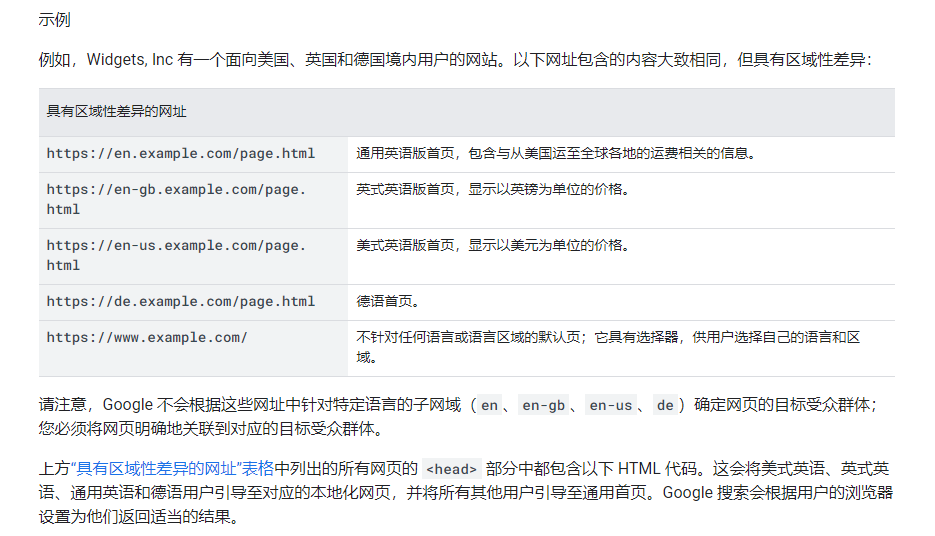
缺少返回鏈接:如果網頁 X 鏈接到網頁 Y,那麼網頁 Y 必須要鏈接回網頁 X。如果所有使用 hreflang 註解的網頁並未全部滿足這項要求,系統可能會忽略或無法正確解譯這些註解。例如,您可以考慮在 https://de.example.com/index.html 上使用此鏈接:

<link rel="alternate" hreflang="en-gb" href="https://en-gb.example.com/index.html" />

https://en-gb.example.com/index.html 上還必須要有一個 hreflang,以便指回到內容的 de 版本:

<link rel="alternate" hreflang="de" href="https://de.example.com/index.html" />

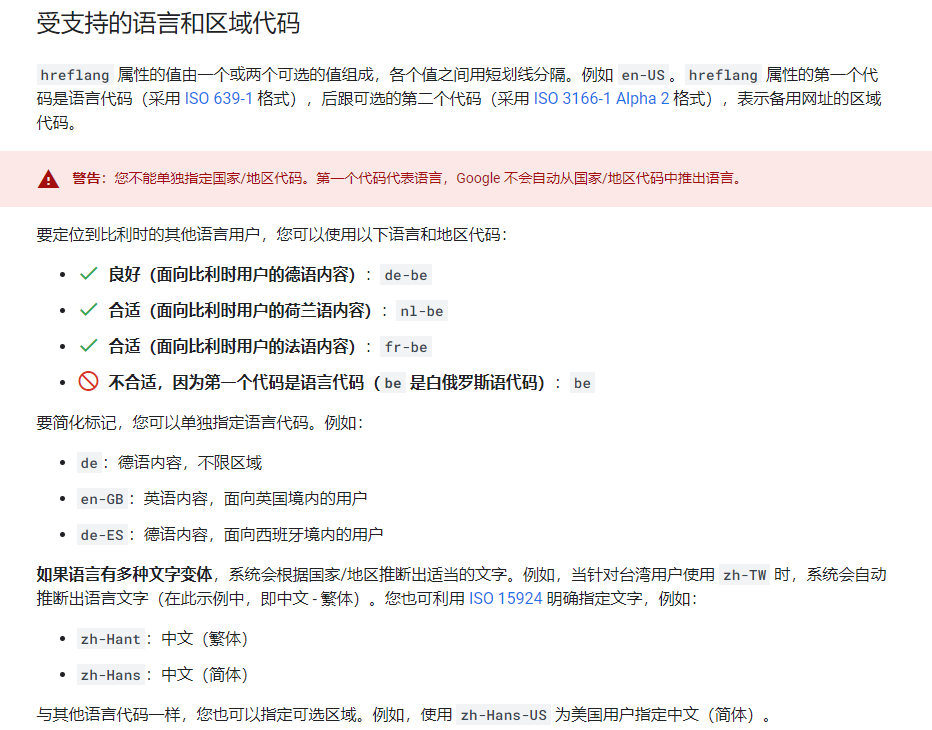
語言代碼不正確:確保您使用的所有語言代碼均標識出備用網址的語言(以 ISO 639-1 格式表示)和區域(可選,以 ISO 3166-1 Alpha 2 格式表示)。僅指定區域是無效的。

提示:實際上就是用link元素添加rel="alternate"屬性進行hreflang="地區"標記,而且服務器的IP地址也能有作用。

具體參考:https://developers.google.cn/search/docs/specialty/international/localized-versions?hl=zh-cn